Passenger count
Supports passenger entry and exit counting workflows.

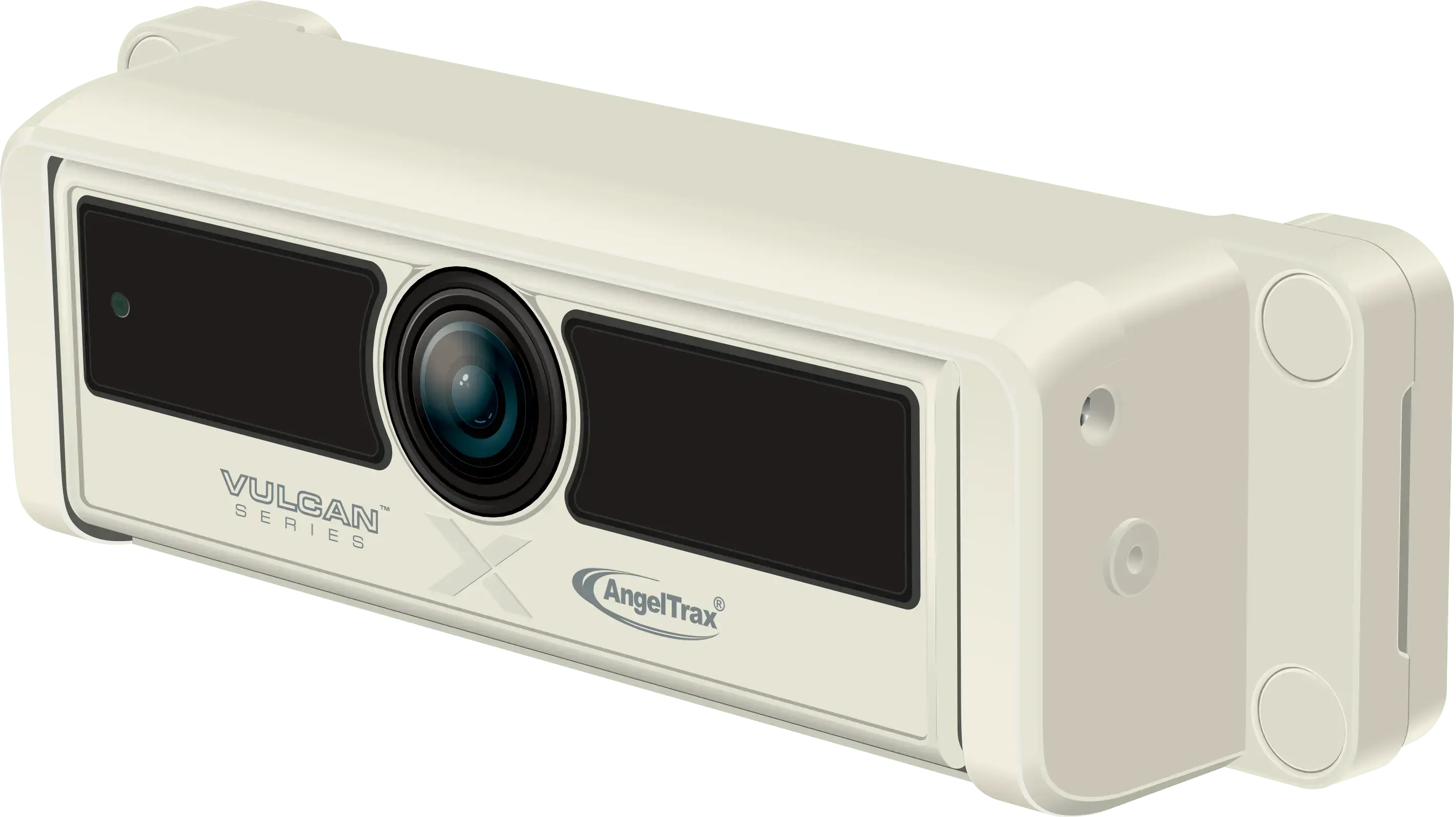
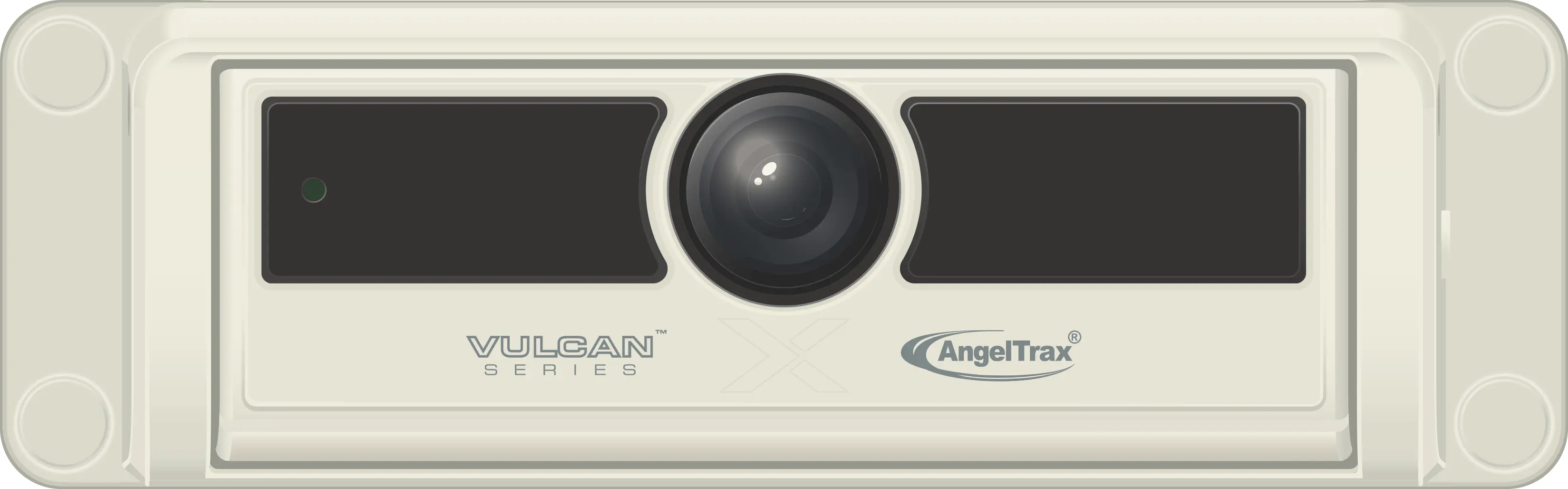
Passenger counter camera
Mounted over the vehicle secondary entrance and calibrated separately from the PC3100V, PCVCAM2 supports accurate passenger entry and exit data for vehicles with a second door.
Product overview
AngelTrax PCVCAM2 captures passenger entry and exit data as a secondary passenger counter camera used with the PC3100V.
Key capabilities
PCVCAM2 extends the passenger counting workflow to secondary entrances so transit teams can collect entry and exit data more completely.
Supports passenger entry and exit counting workflows.
Works in a passenger counting system built around AI detection.
Positioned for vehicle entrance coverage.
Supports connected IP camera review workflows.
Fleet applications
AngelTrax camera pages work best when the product is connected to real operating needs: student safety, passenger protection, route visibility, driver context, stop-arm evidence, and incident review.
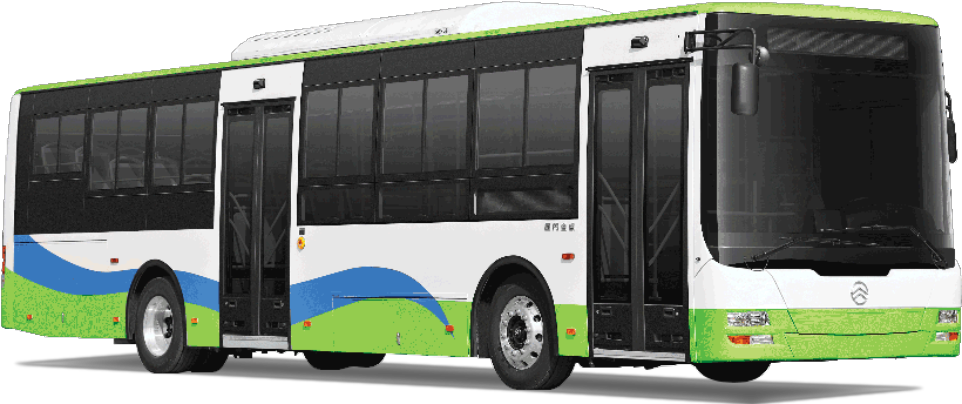
Use passenger count data to understand route demand, crowded stops, and operational trends.
Learn more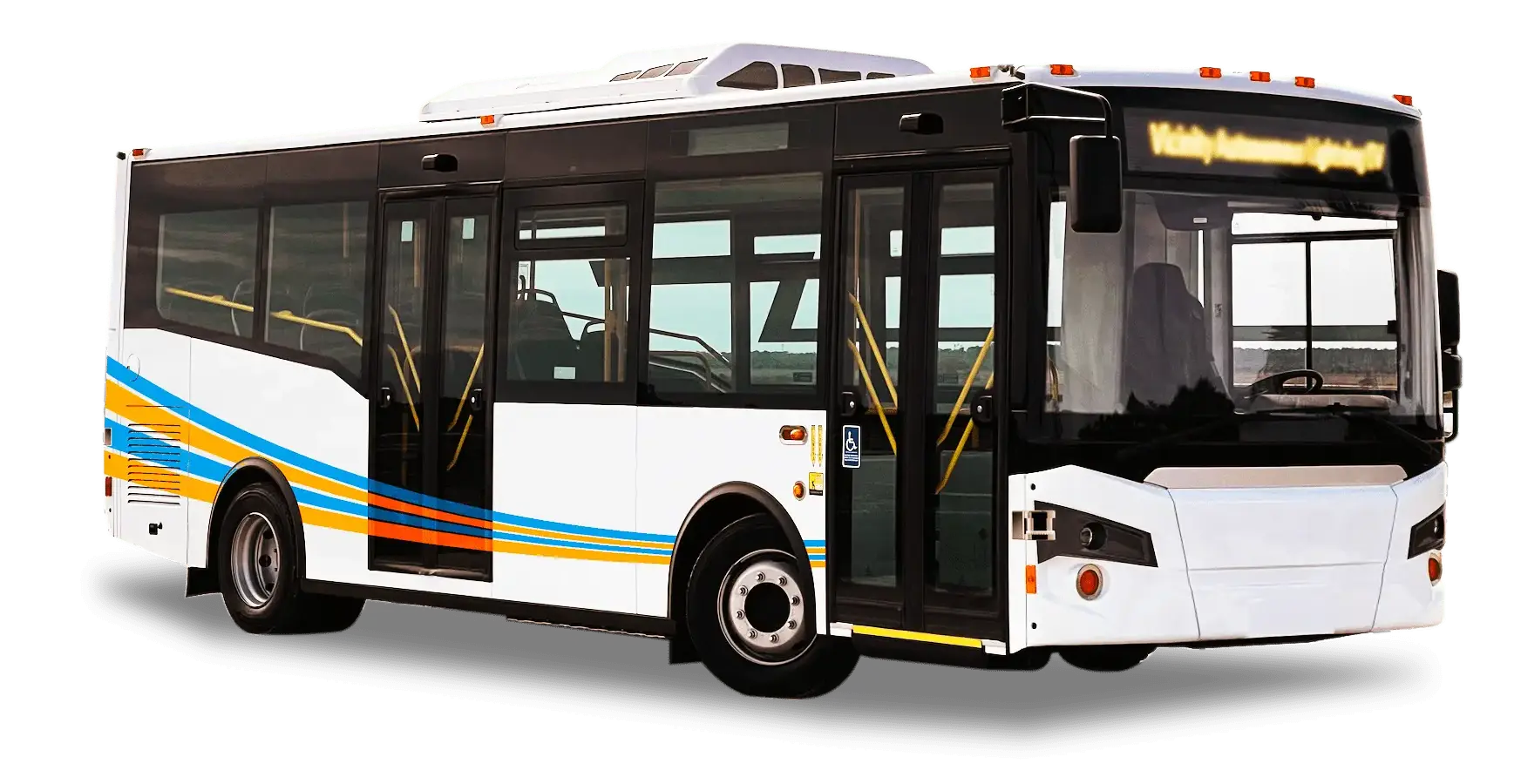
Support campus route planning with passenger entry and exit counts across busy shuttle stops.
Learn more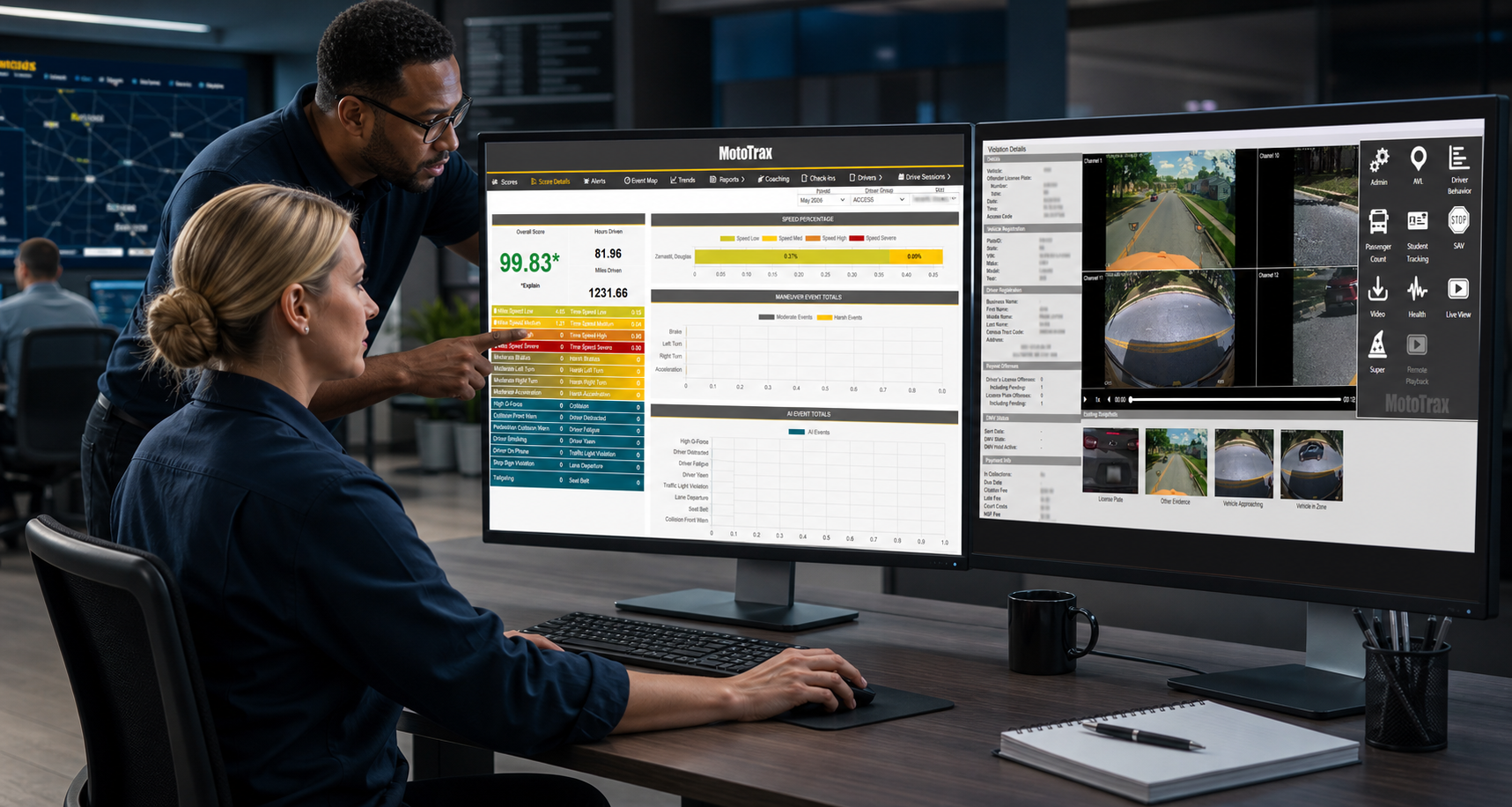
Report passenger count data through MotoTrax for review, trends, and route optimization.
Learn moreCamera models
Use the specification button below to review available specs, then use the PDF download where available or contact AngelTrax to confirm the correct configuration for your recorder, mounting position, field of view, and review workflow.
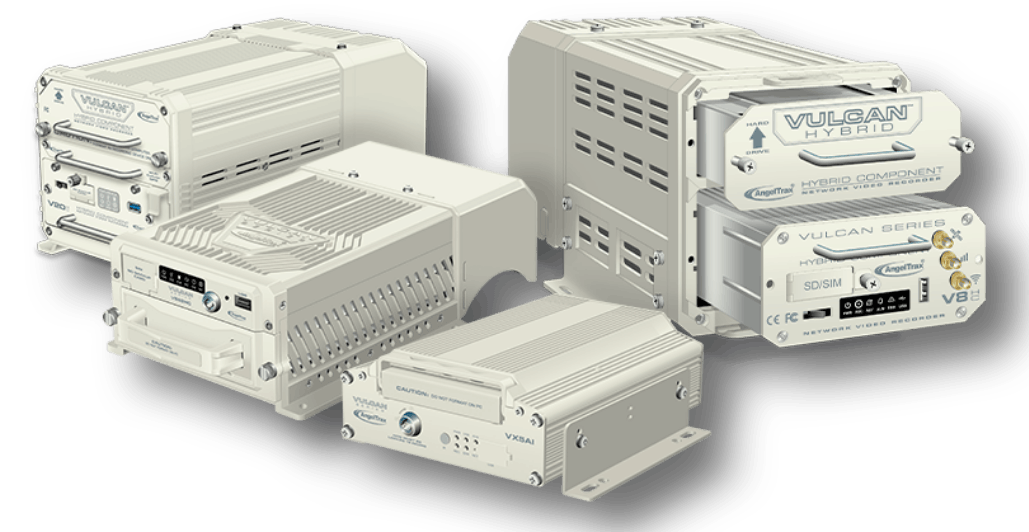
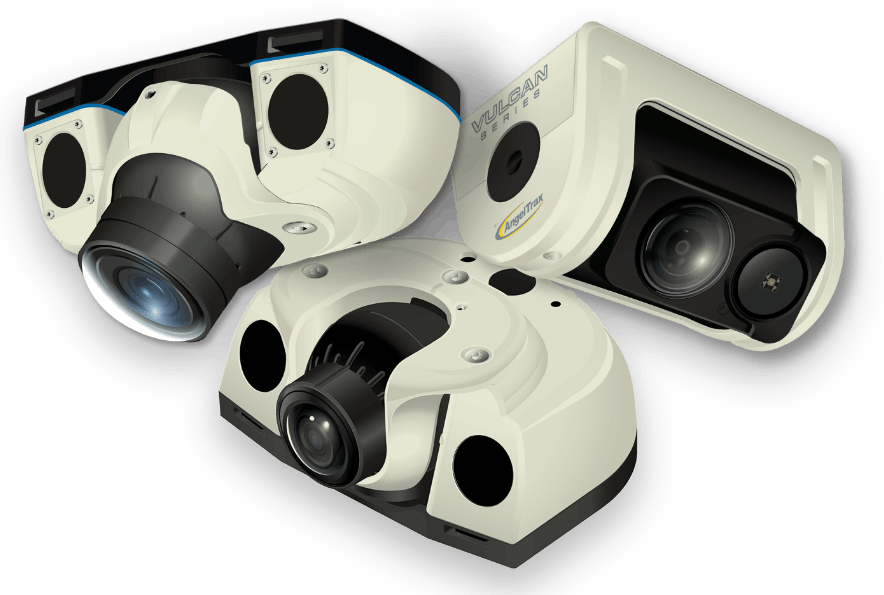
Vulcan Series ecosystem
Camera quality matters most when it feeds a larger safety workflow. AngelTrax pairs vehicle cameras with mobile video recorders, MotoTrax software, live access, remote downloads, tracking, reporting, and review tools for transportation teams.
Documents and purchasing
The live product page points visitors to the product technical specs and the AngelTrax document downloads page. Those paths are preserved here so the preview remains useful for review and sharing.
Configure your camera views
Tell AngelTrax about your vehicle types, recorder platform, interior and exterior coverage goals, and review workflow. We can help map the right camera positions into a complete fleet safety system.