A Safety, Security and Surveillance Company

Wireless technologies

Keep fleet video connected from the road to the yard.

AngelTrax wireless technologies help Vulcan Series systems stay useful after installation: cellular connections support immediate alerts, live view and live tracking, while Wi-Fi supports automated downloads when vehicles return to your facility.
Vehicle Vulcan Series
Server Hosted access
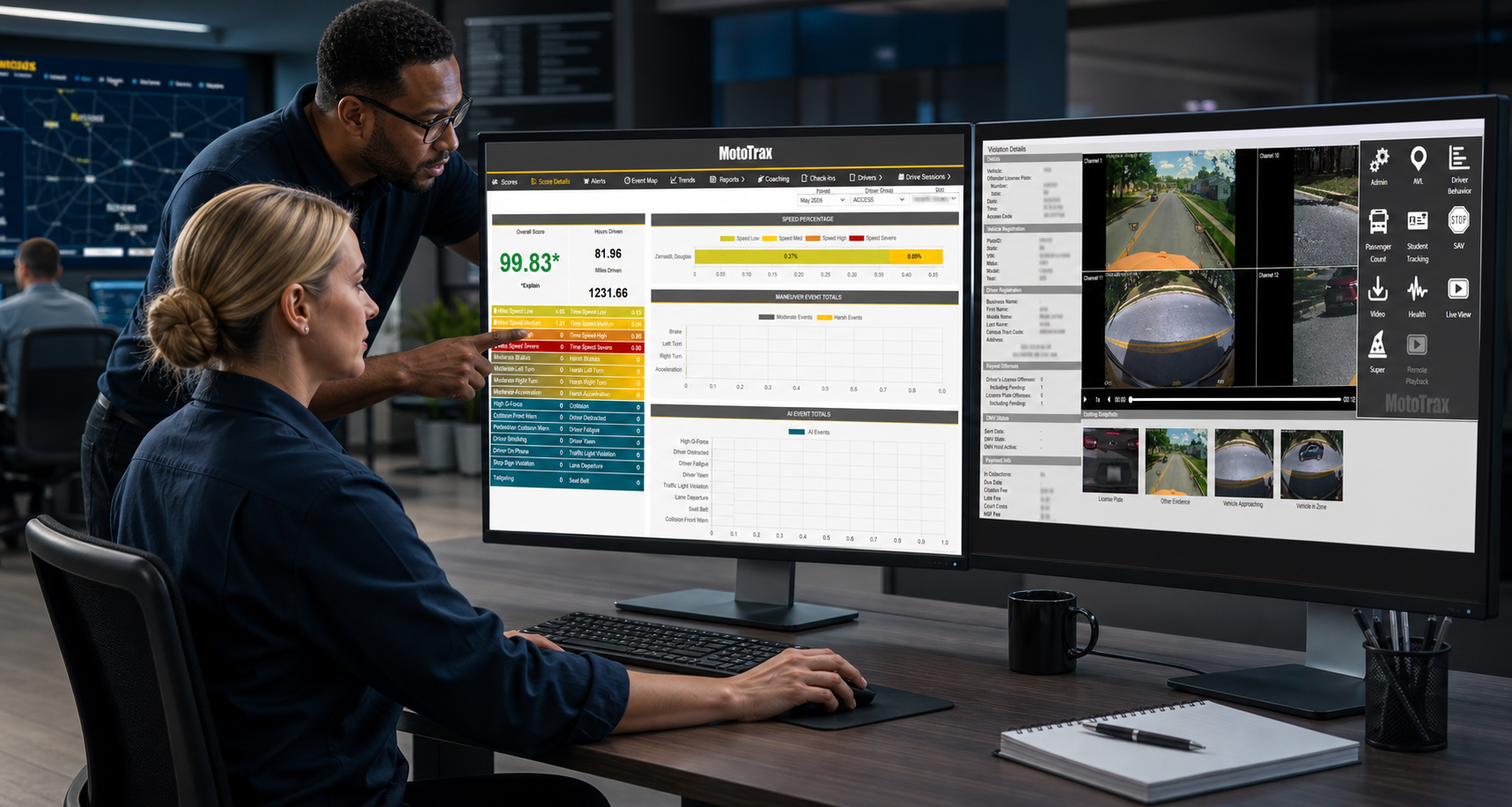
Transportation operations team using MotoTrax dashboards on desktop monitors.
CellularAlerts + live access
Wi-FiAutomated downloads
Immediate alerts
Live tracking
Secure uploads
CellularLive view, active tracking and instant notifications
Wi-FiAutomated downloads when vehicles return to range
MotoTraxRemote downloads, AVL, health, reports and alerts
Hosted workflowsSecure upload paths for customer video and data

Making connections

Two connection paths, one goal: make fleet video easier to reach.

The current AngelTrax wireless page frames connectivity around two practical needs. Organizations that need active access can use cellular connectivity for vehicles in the field. Teams focused on bulk transfer can use Wi-Fi connectivity for downloads when vehicles return to the yard or facility network.
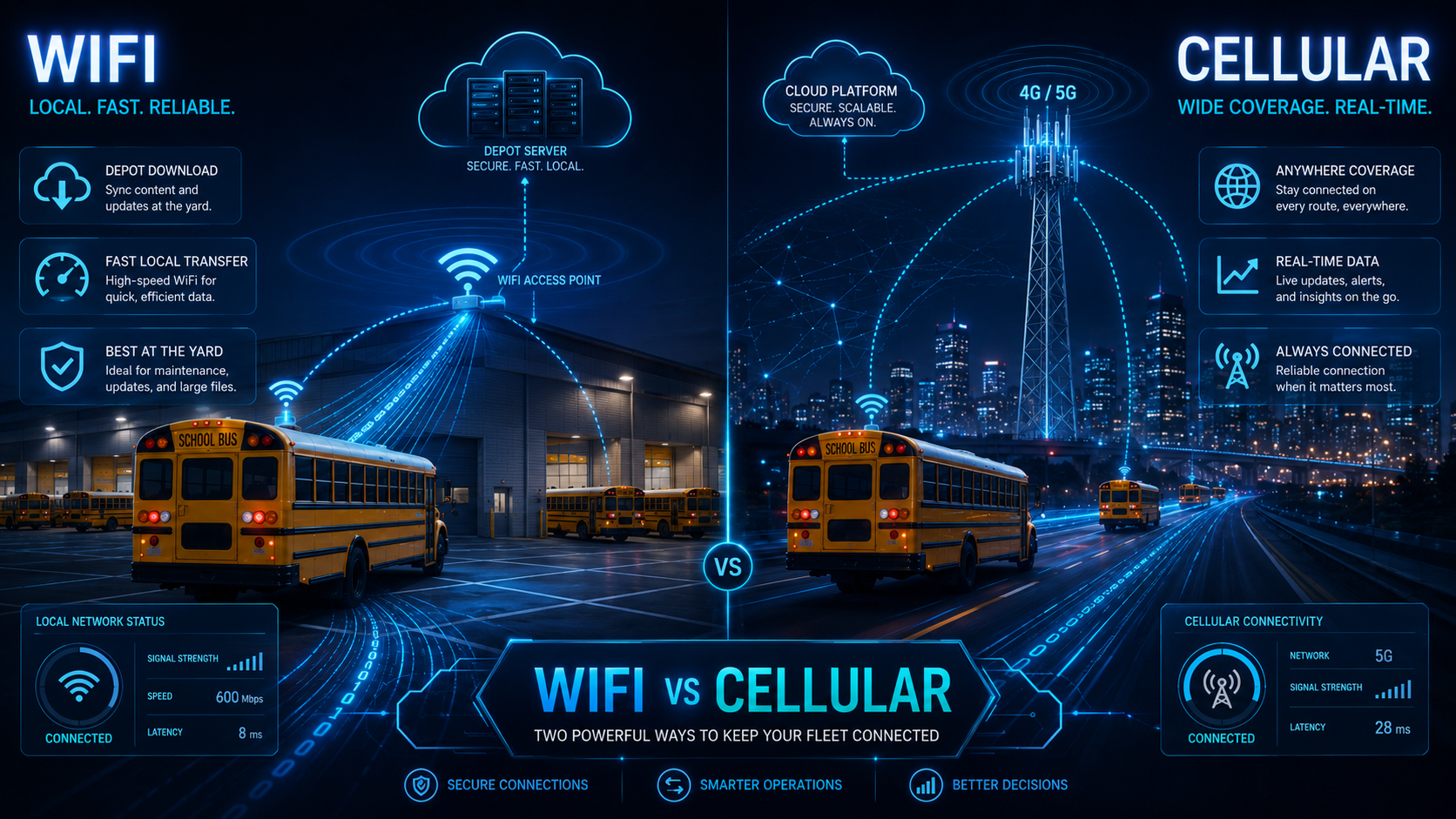
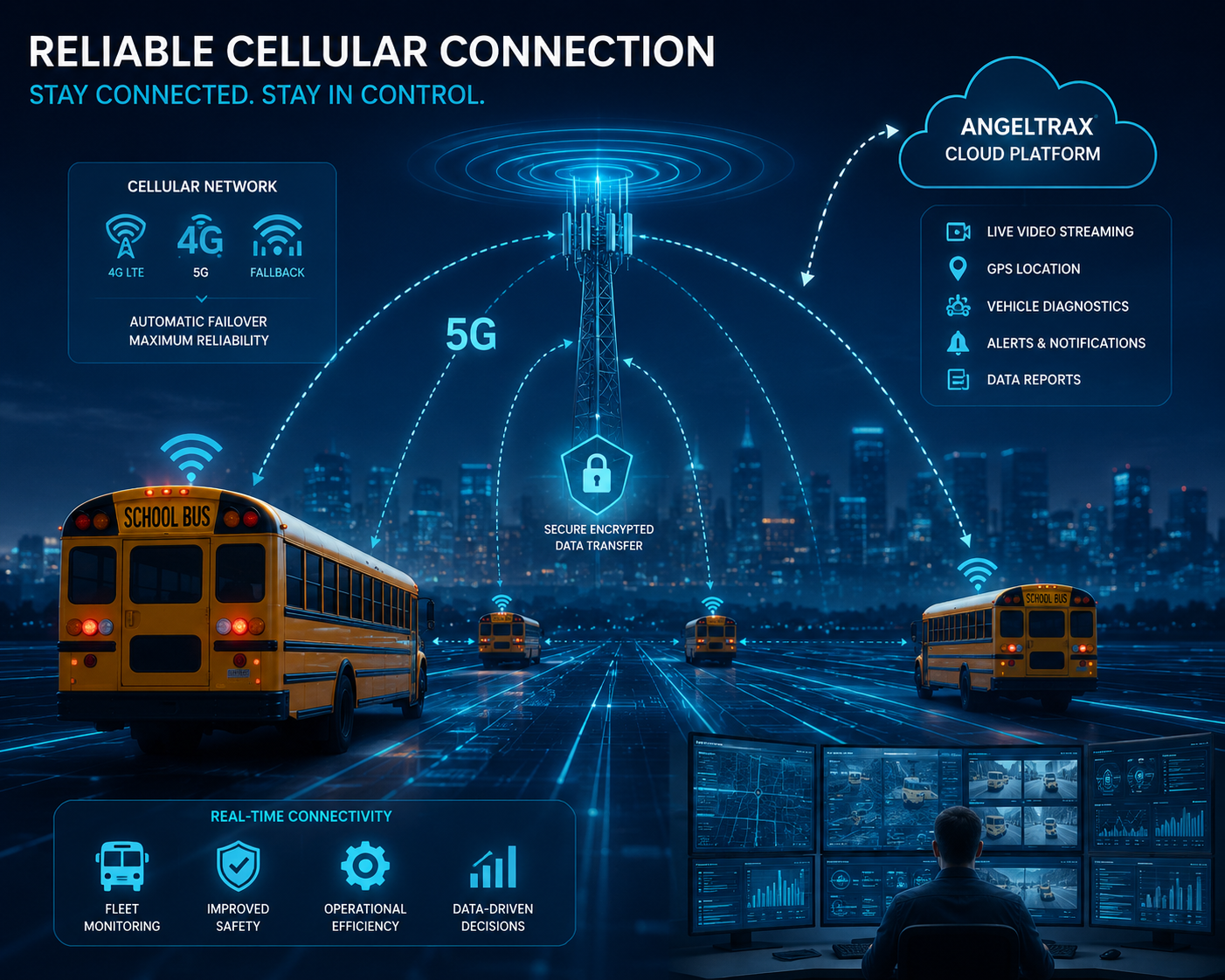
  • Connect with vehicles on the road or in the bus yard.
  • Support live video, live tracking, alerts and event access.
  • Automate marked video and data uploads after routes are complete.
  • Pair connectivity with MotoTrax, PRO8CMS, FlexPlay Pro 8 or hosted workflows.
Wireless planning

Match the connection to the fleet workflow.

A school bus fleet may need automated yard downloads every afternoon. A transit or fleet operation may need live access while vehicles are moving. AngelTrax can help define the right blend of cellular, Wi-Fi, software and hosted storage.

Secure access Live view Alerts Tracking

Cellular connectivity

Instant access through a secure, active cellular connection.

Cellular connectivity keeps vehicles reachable anywhere a compatible cellular signal and data plan are available. It supports a constant connection between your server workflow and vehicles operating in the field.

01

Vehicles in the field

Connect through a cellular provider's mobile network where signal is available.

02

Active oversight

Keep a live path between your server and vehicles while they are operating.

03

Immediate notifications

Receive alerts as events happen and respond with better context.

04

Live video and tracking

Access live audio, video streams and vehicle location workflows when needed.

Cellular modem and data plan required.

Wi-Fi connectivity

Automated video and data downloads through a secure access point.

Wi-Fi connectivity is designed for local transfer. Vehicles connect through a facility wireless network when they return within range, then marked video events and notifications can upload to an AngelTrax secured server.

01

Facility network

Connect locally through your organization's existing wireless LAN environment.

02

Yard range

Transfer files when vehicles return to the range of your access points.

03

Daily uploads

Upload notifications and marked events from the day's routes without pulling media.

04

Secure server path

Move connected video and data into an AngelTrax secured workflow for review.

Wireless access points and antenna required, with one antenna per vehicle.

Facility wireless network Access point Secure upload queue

Staying connected

Wireless access becomes more valuable when it feeds the right software.

AngelTrax video management systems help transportation teams turn connected recorders into usable oversight. MotoTrax, PRO8CMS and FlexPlay Pro 8 can support review, downloads, AVL, reporting, alerts, and playback across the fleet.
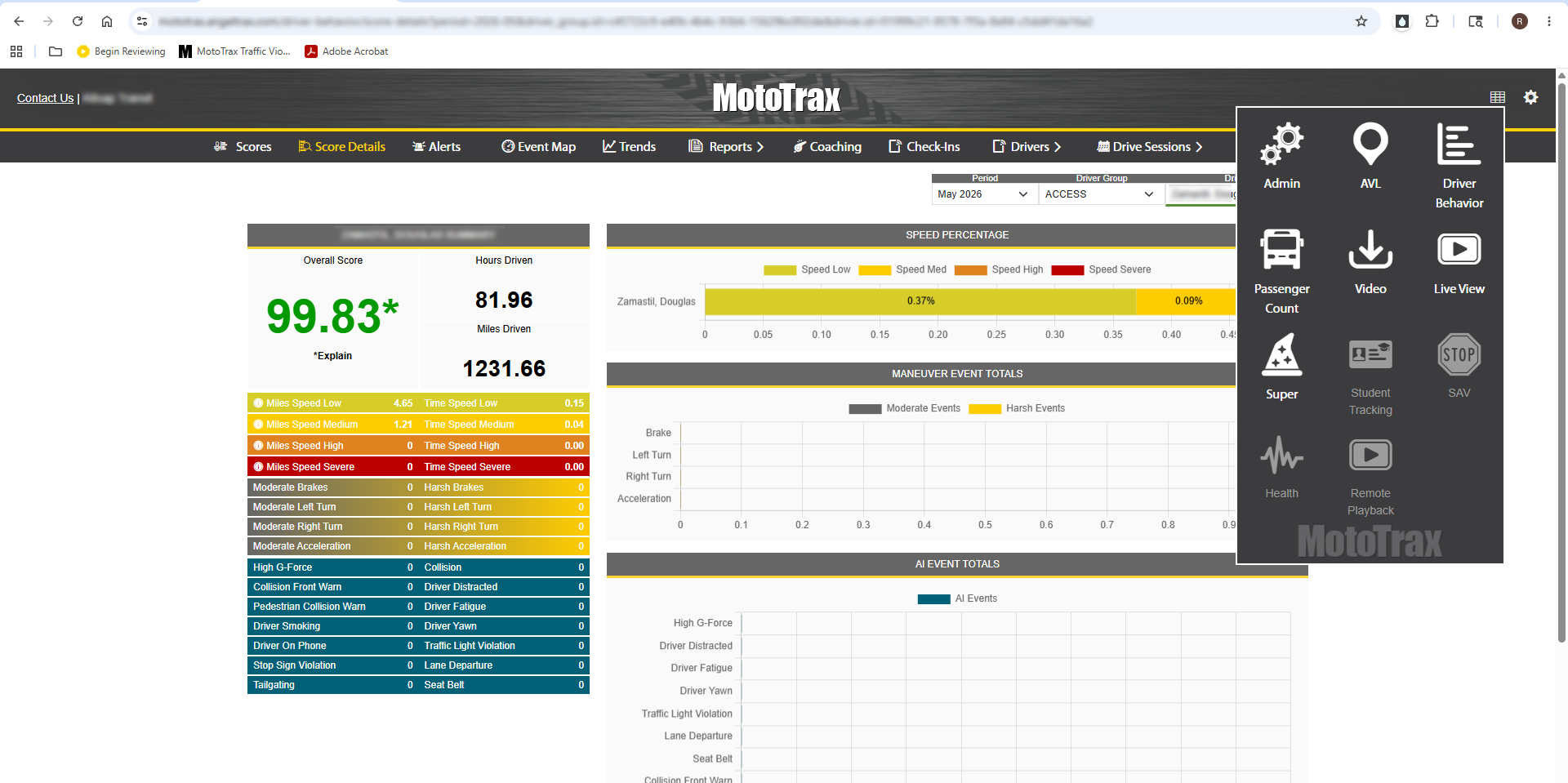
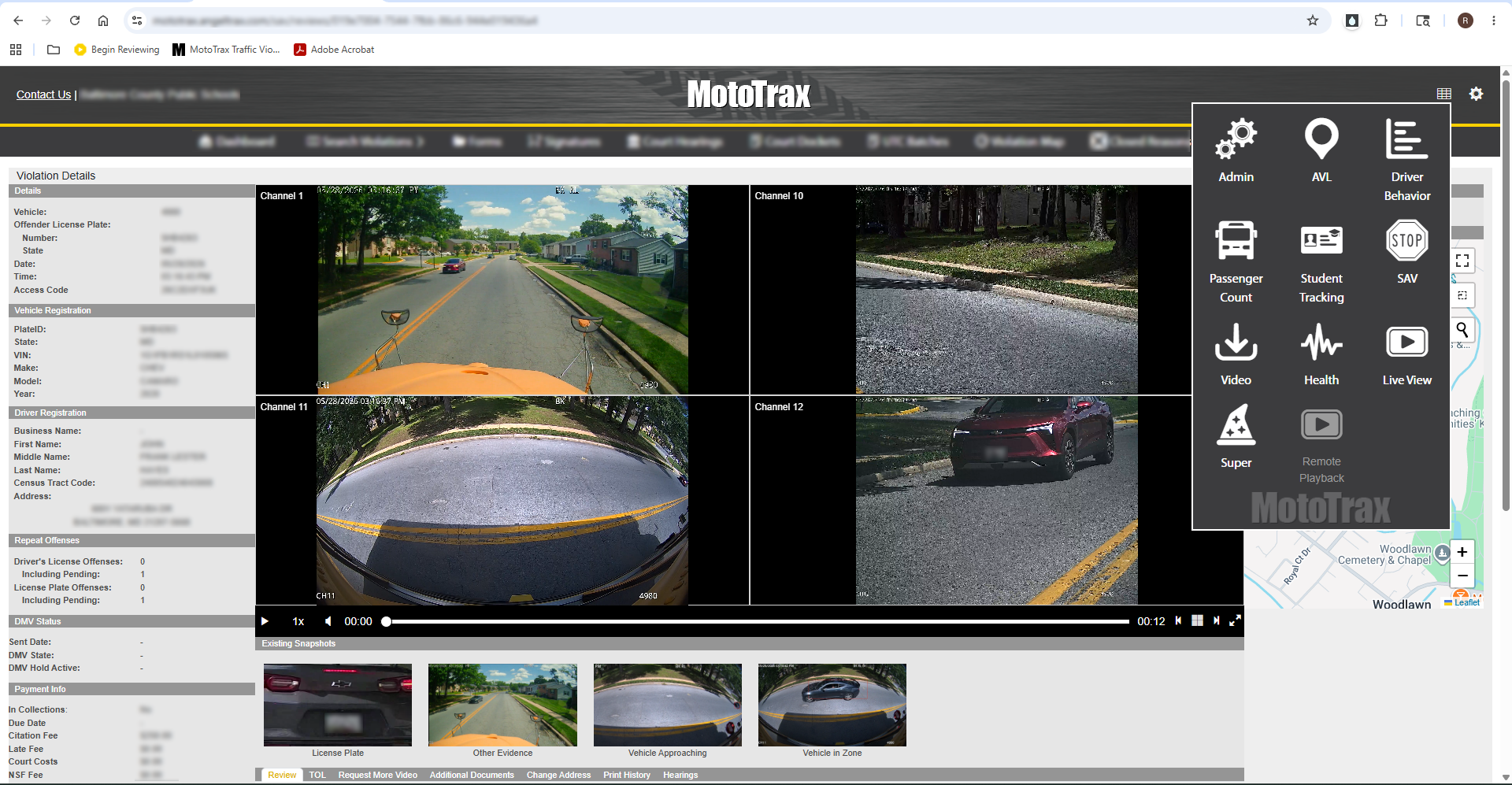
MotoTrax driver behavior dashboard with score details and event reporting. MotoTrax Central Command stop-arm violation review workspace.

Secure connection planning

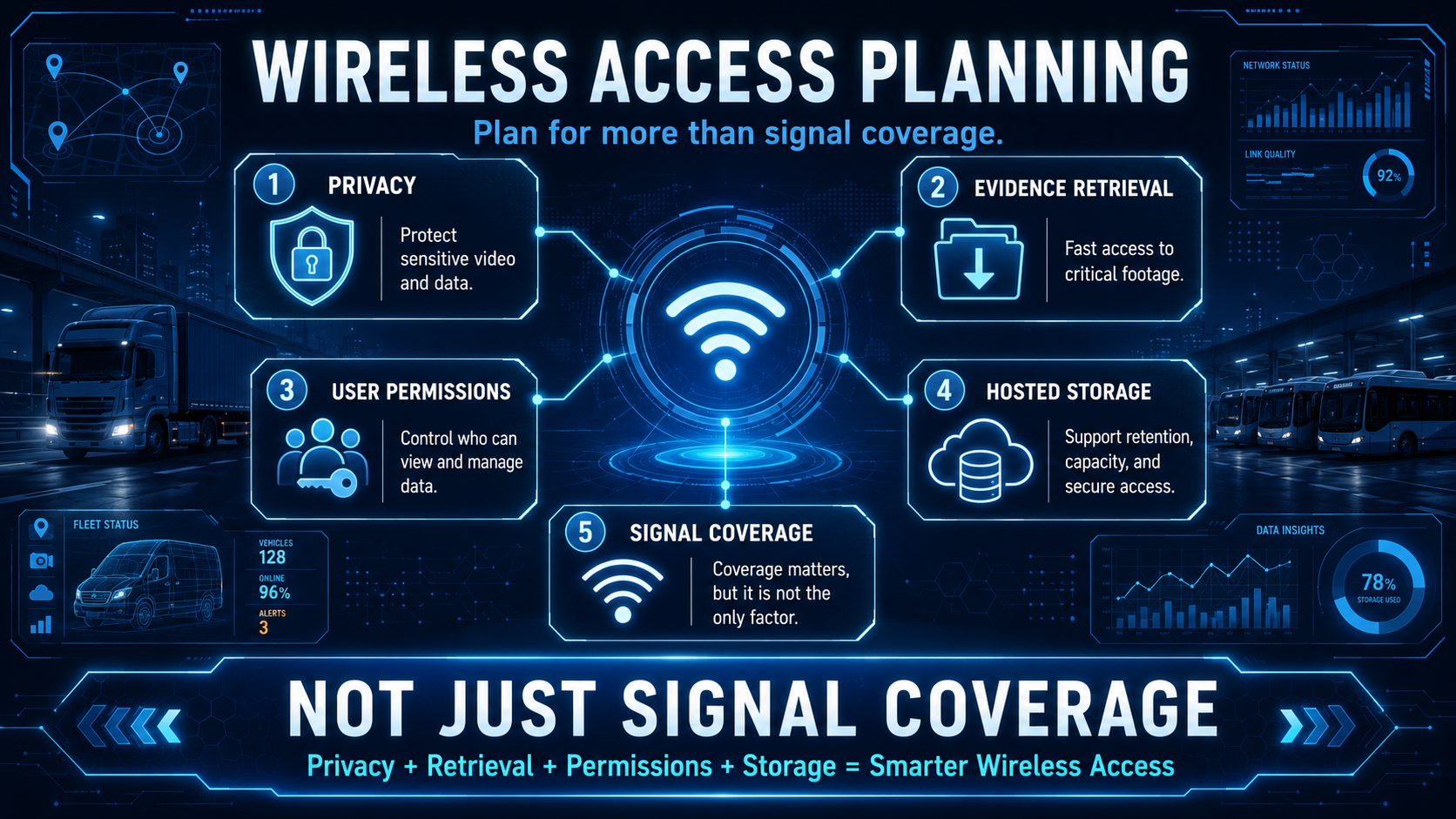
Wireless access should be planned around privacy, evidence retrieval, user permissions and hosted storage requirements, not just signal coverage.

Securing connections

Protect the privacy of your ridership and drivers with hosted video options.

The live wireless page connects wireless planning to cloud hosted video. For fleets that need protected storage and remote retrieval, AngelTrax hosted server solutions can help keep video accessible while reducing the burden of maintaining local server infrastructure.

Built around real routes

Wireless workflows support the transportation teams AngelTrax serves every day.

Different fleets need different connection strategies. Cellular and Wi-Fi options help tailor video access to route timing, facility coverage, data needs and review expectations.

Wireless questions

A simpler way to plan connected fleet video.

When should a fleet consider cellular connectivity?

Cellular connectivity is strongest when teams need access while vehicles are away from the facility, including live view, live tracking, immediate alerts and active event response.

When does Wi-Fi connectivity make the most sense?

Wi-Fi is a good fit when vehicles reliably return to a yard or facility network and the primary goal is automated transfer of marked video, notifications and route-end data.

How does wireless connectivity relate to MotoTrax?

Wireless access can feed MotoTrax workflows such as remote live view, downloads, AVL, health reporting, driver behavior, student tracking, and stop-arm violation review.

Plan wireless connectivity

Talk with AngelTrax about cellular, Wi-Fi, software and hosted video for your fleet.

AngelTrax can help evaluate coverage, route timing, download needs, data retention, MotoTrax or PRO8CMS workflows and the right connection approach for your vehicles.